Skip to content
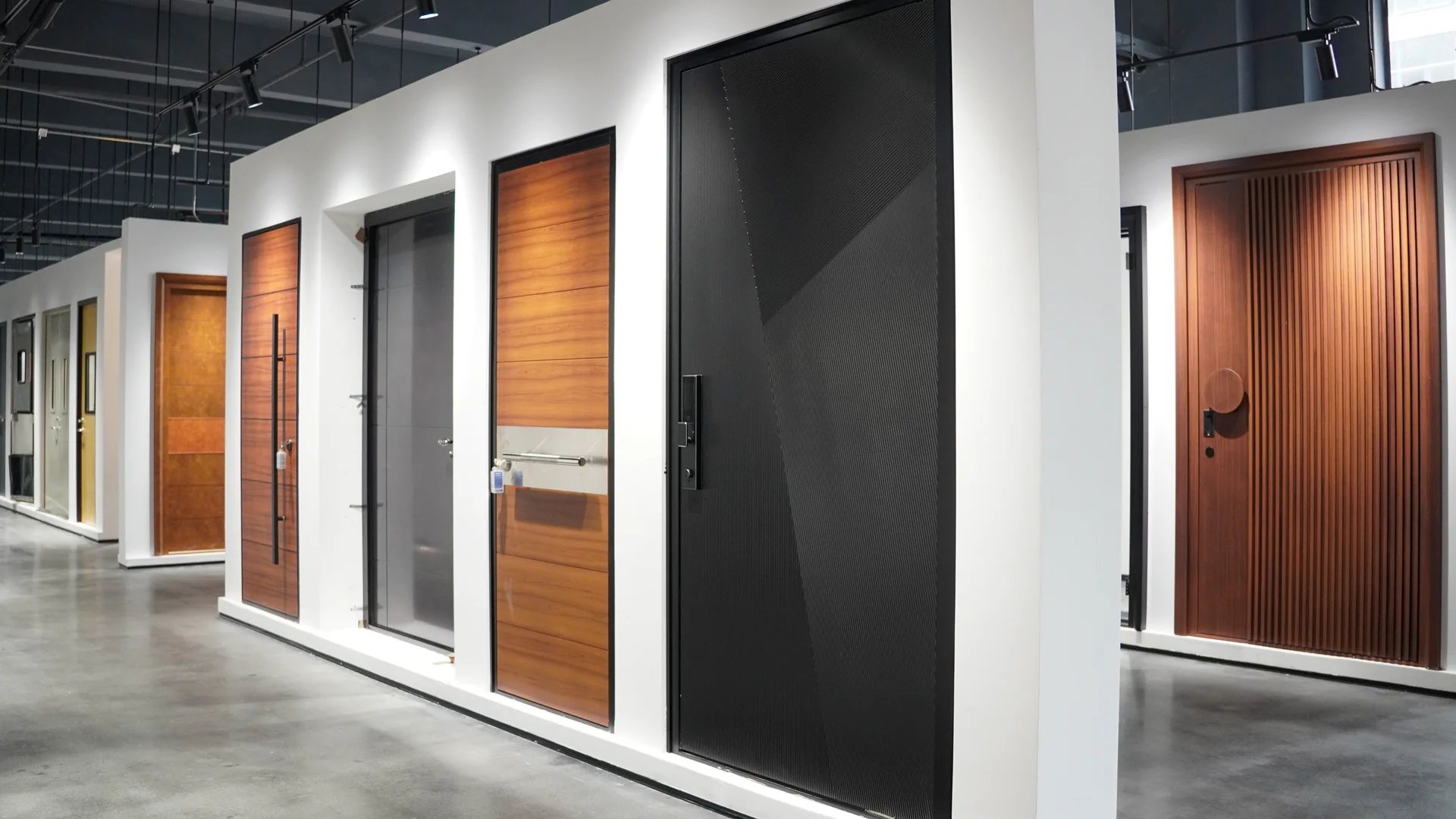
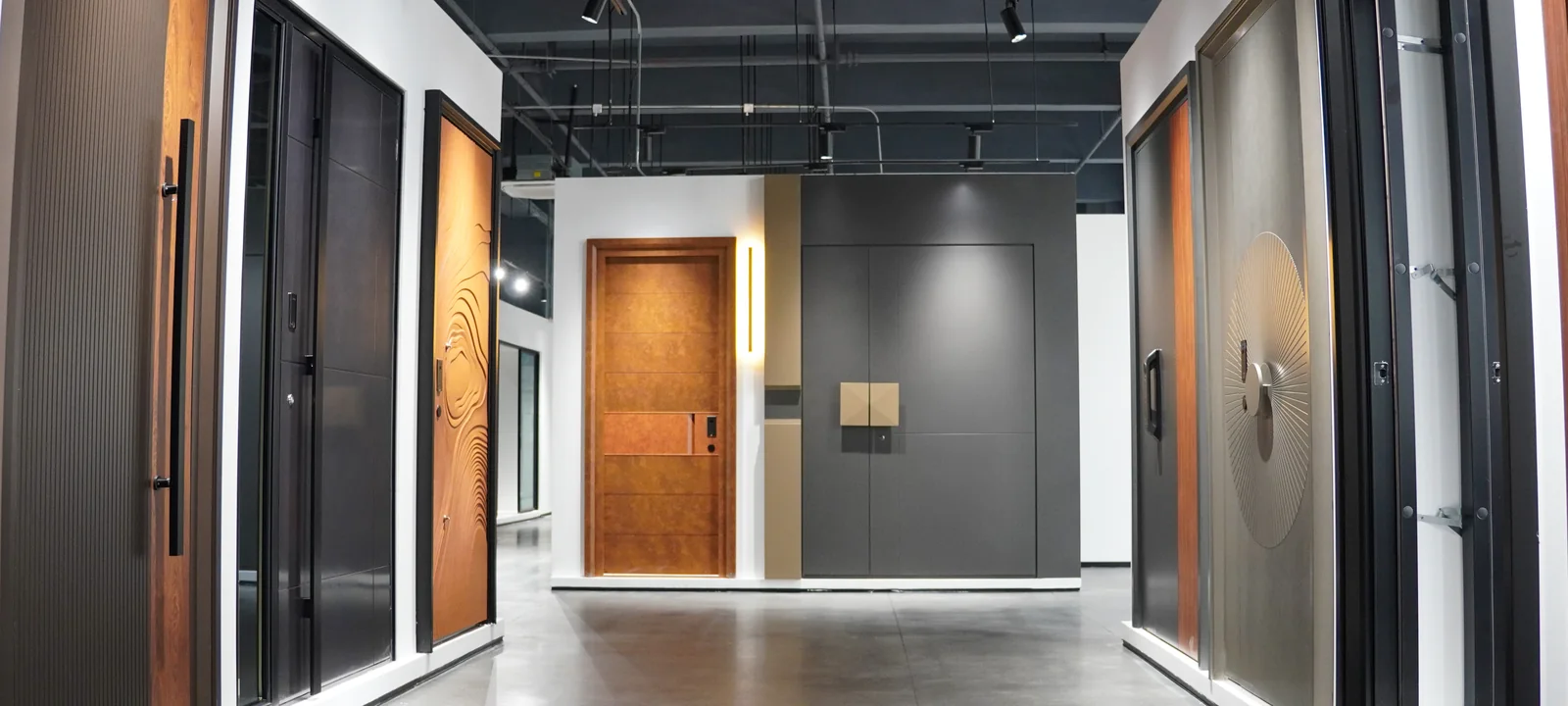
Showroom row of entry doors in black, gray and wood finishes, each with a long vertical pull handle
HARDWARE · 3D + PRODUCT SUPPLY

Door & Cabinet Hardware

Door handles and locks, door hinges and sliding systems, cabinet pulls, hinges and drawer slides, planned in 3D with your doors and cabinets and tagged on each drawing, then quoted and shipped by product number.

Four Hardware TypesFrom door handles and hinges to drawer slides
One Product NumberFrom the hardware schedule to the box label
Catalog or ShowroomHandles and finishes by video or in Foshan
First Draft in About 20 Days*Depends on door count, cabinets and files
Hardware by Location

Door and Cabinet Hardware, Planned Location by Location

Start with the door or the cabinet. Each handle, hinge, pull and fitting is drawn where it goes, so you can check its size, position and finish against the doors and fronts around it.

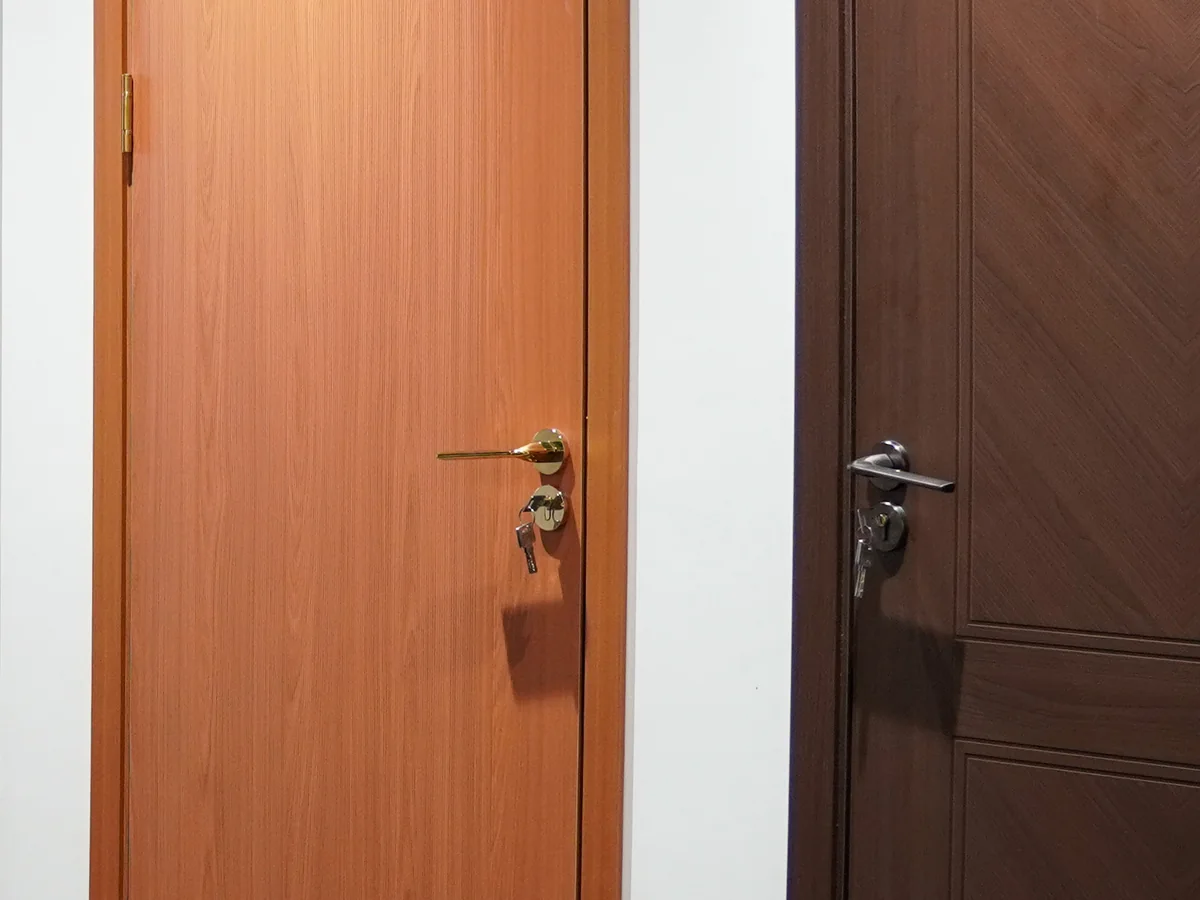
Showroom wood doors with a brass lever handle and key on one and a chrome lever handle on the other
01

Door Handles & Locks

Choose interior door handles, levers or door knobs together with the lock, latch and door stop. Start with where the door sits, which way it opens and whether it needs a privacy, passage or entry function.

Windows & Doors ↗
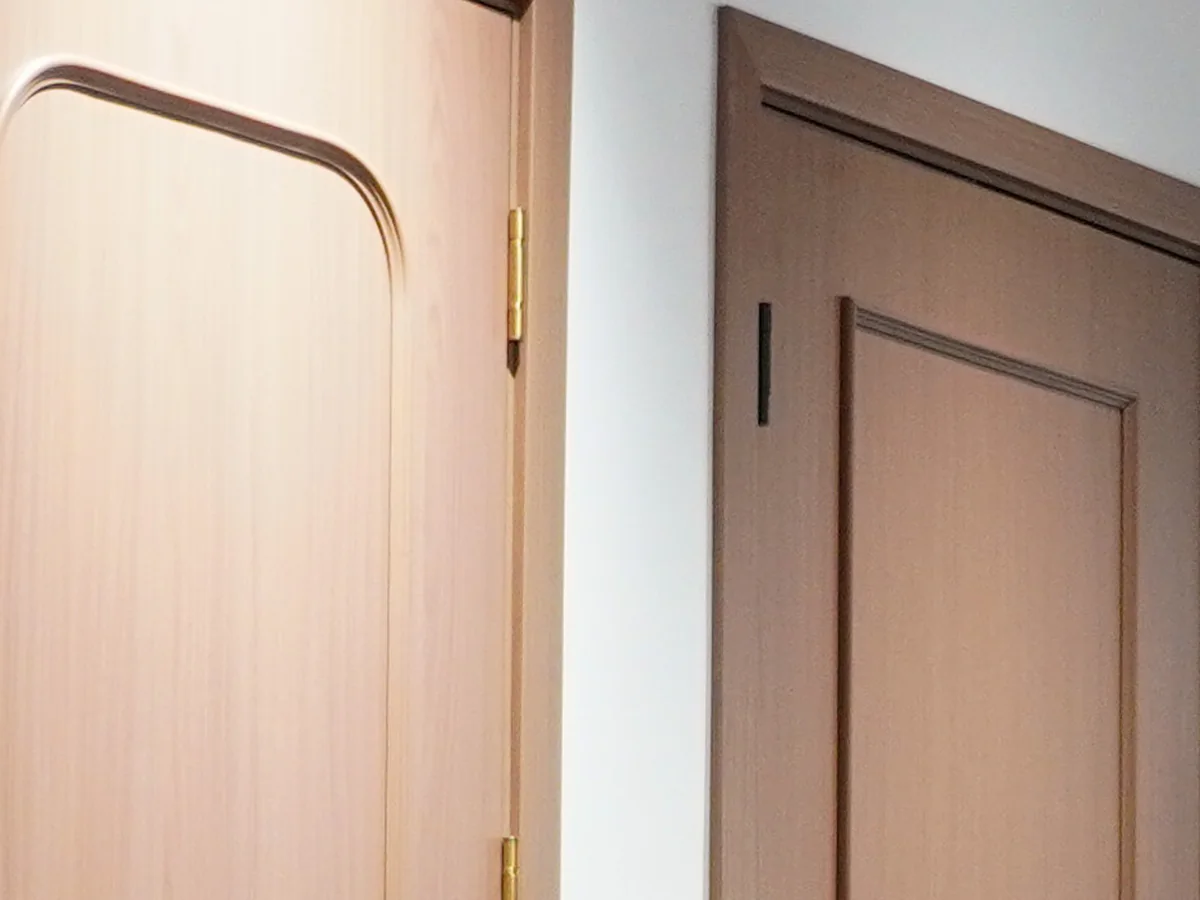
Showroom wood doors with a brass butt hinge on one door edge and a black hinge on the next
02

Door Hinges & Sliding Systems

Choose butt, concealed or self-closing door hinges for swing doors, and the track, rollers and stops for sliding and pocket doors. The door's weight, height and thickness set the hinge size and how many each leaf needs.

See the Fit Checks ↗
Showroom wood-grain drawer fronts with dark bar pulls below open shelving
03

Cabinet Pulls & Knobs

Compare cabinet pulls, drawer pulls, cabinet knobs and longer cabinet handles against each front, then decide where each one sits. For replacements, measure the distance between the centers of the existing holes.

Custom Cabinetry ↗
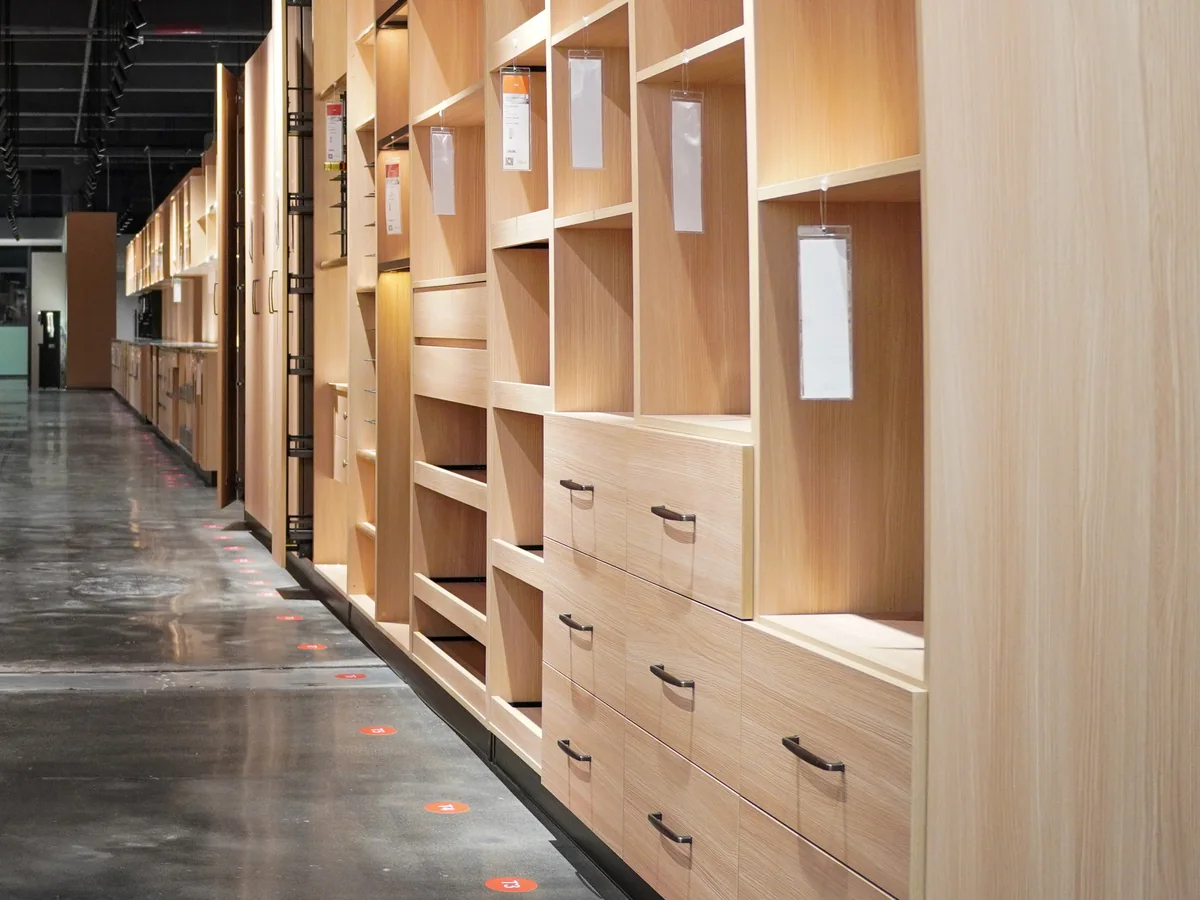
Showroom aisle of light wood wardrobes with open shelving, hanging space and drawers
04

Cabinet Hinges & Drawer Slides

Choose concealed or exposed cabinet hinges and undermount or side-mount drawer slides, with or without soft close, from the cabinet drawings, the inside dimensions and what each drawer will hold.

See the Hardware Schedule ↗
In the Showroom

Handles and Doors in Our Showroom

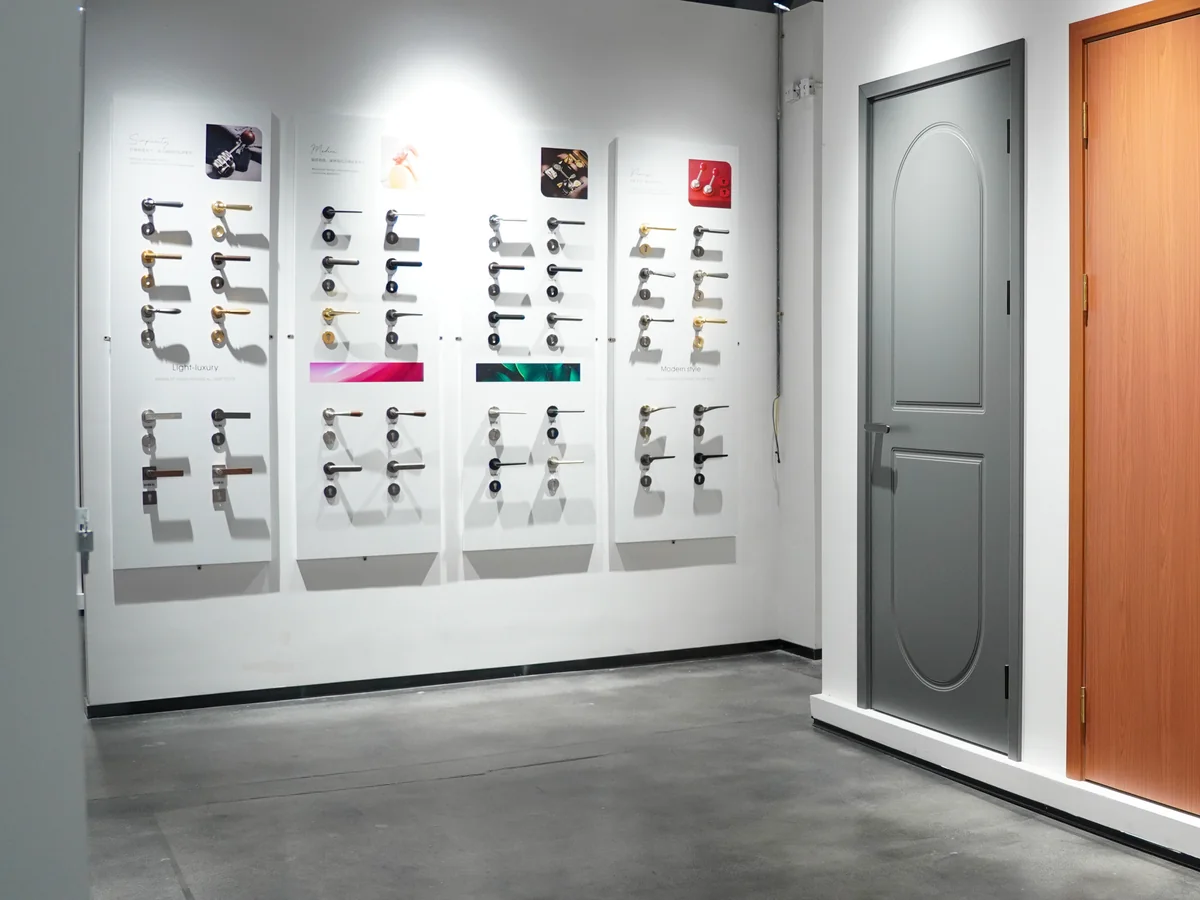
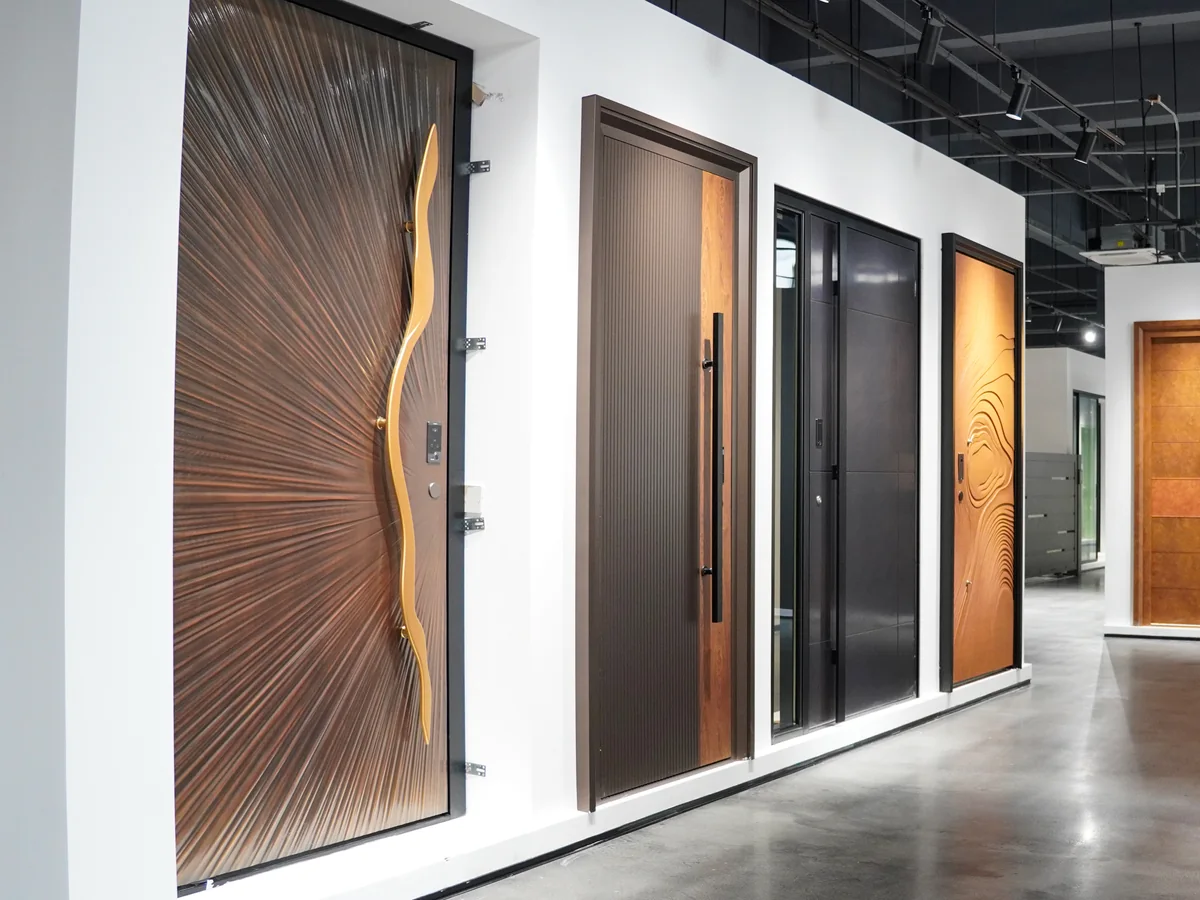
These are handle sample boards, showroom doors and cabinet displays, not renderings. Compare handle shapes side by side, then see how a lever or a long pull reads on a full-size door.

Seen a handle you like? Send the photo with your door schedule or cabinet drawing, and we check how it fits before you choose a finish.

Finishes

Compare Hardware Finishes Against the Door and Cabinet

Hold the handle sample next to the door or cabinet finish, then add the lighting and other visible metals. Products are shortlisted from the catalog by product number, then compared as samples on a video call or at our Foshan showroom.

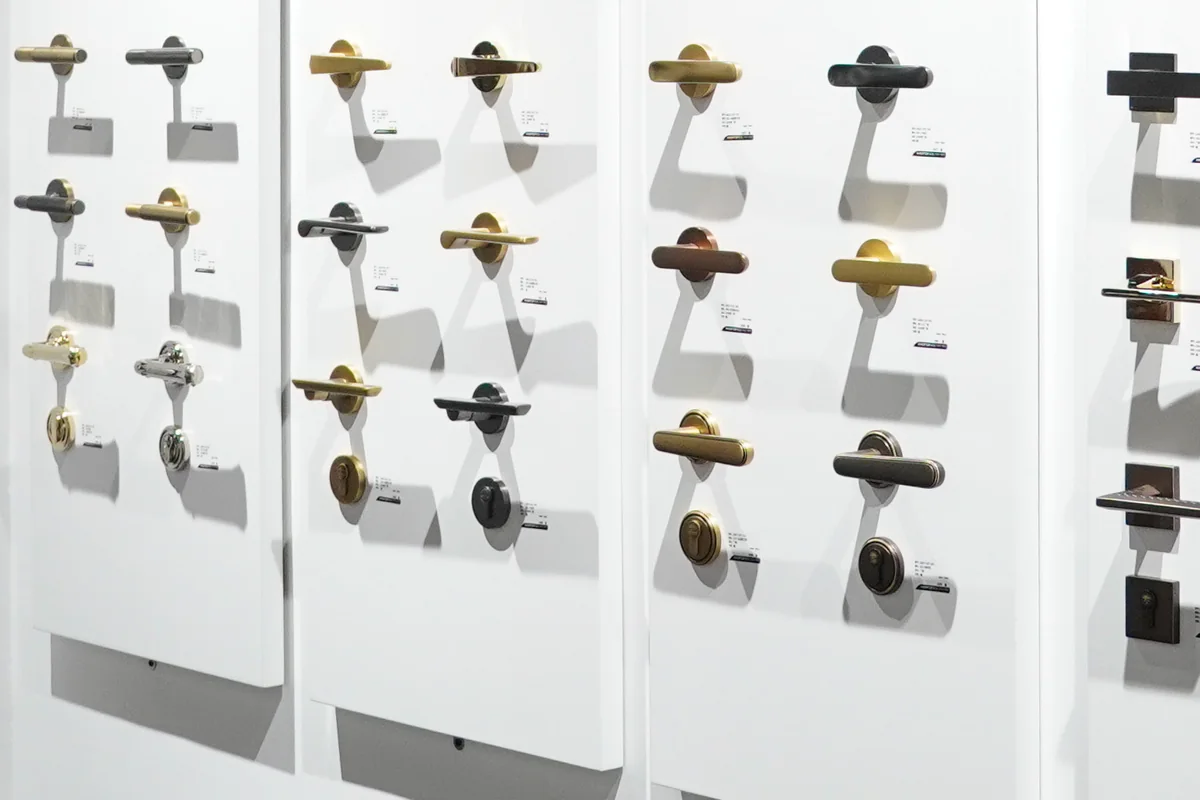
Showroom sample boards of lever handles in brass, gold, chrome and dark finishes on round and square roses
Lever Samples in Warm and Bright Metals
Warm Metals

Brass, Gold & Nickel Tones

Compare brass cabinet hardware with gold-tone and brushed nickel samples beside the door, the cabinet and the light fittings. Check warmth and sheen in the room's own light, because the same finish name can look different between product lines.
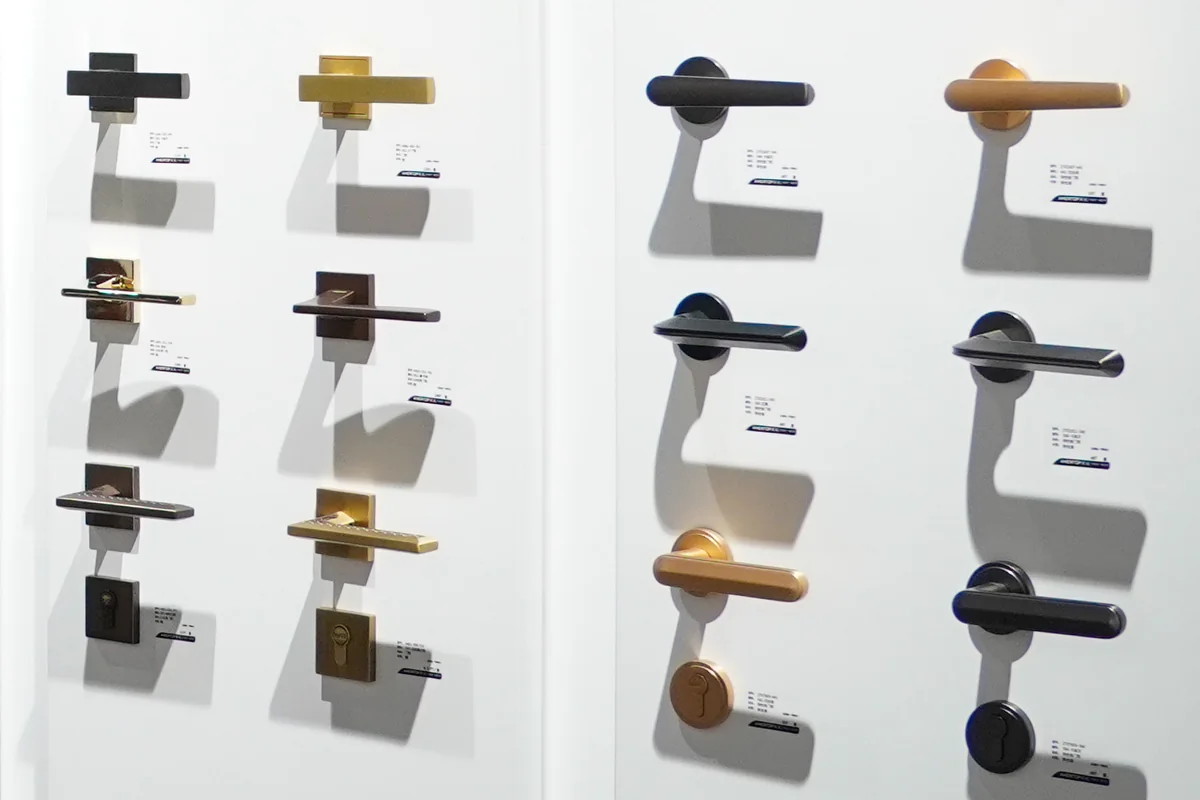
Showroom sample boards of lever handles in black, copper and dark bronze finishes
Lever Samples in Dark Metals
Dark Metals

Black & Bronze Tones

Matte black cabinet hardware and dark bronze levers outline the handle against a light door and blend into a dark one. Approve the physical sample of each chosen product, and ask for its care instructions before ordering.

CATALOG

Browse by Category

Shortlist handles, pulls and fittings by product number before any samples come out.

VIDEO CALL

See Finishes in Daylight

The team holds samples to the window on camera, so finish and sheen are easier to judge.

FOSHAN SHOWROOM

Hold the Real Handle

Compare levers, pulls and knobs on full-size doors and cabinets in our showroom.

Plan the hardware with the doors, cabinets and lighting through our material selection service, so every finish lands on one checked quote.

Fit & Function

Confirm How Each Fitting Will Be Installed

Send dimensions and installation details with your finish references. Your installer compares them with the drawings for the exact models before you approve the order.

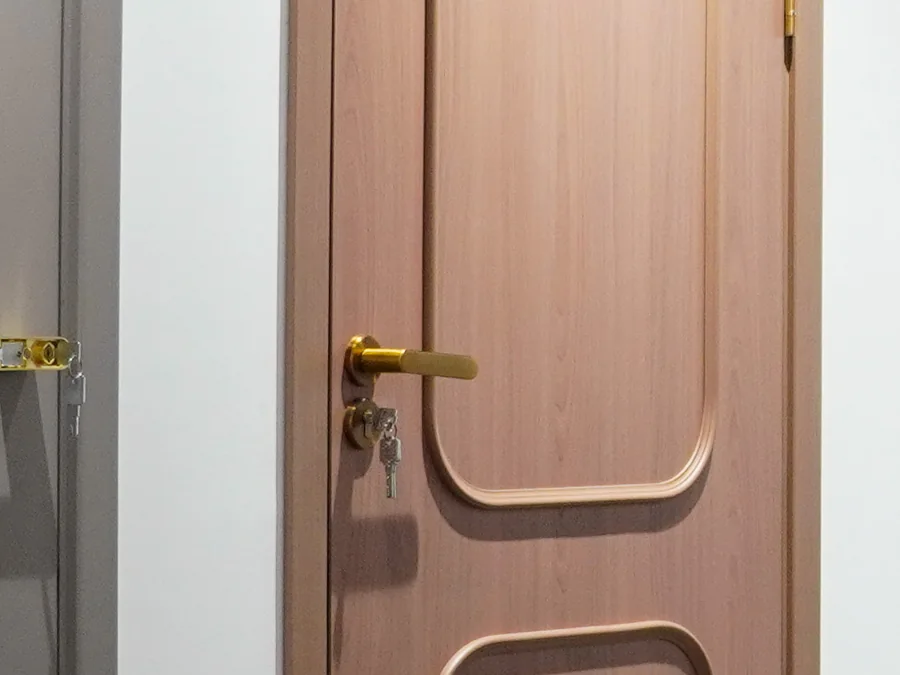
Showroom close-up of a brass lever handle with a key in the lock on a pink-toned wood door
Lever and Lock on a Wood Door

Door & Lock Fit

Record the door thickness, the door handing (the hinge side and swing direction) and any existing lock preparation. Then check handle, lock, latch, strike and hinges as one set for each door.

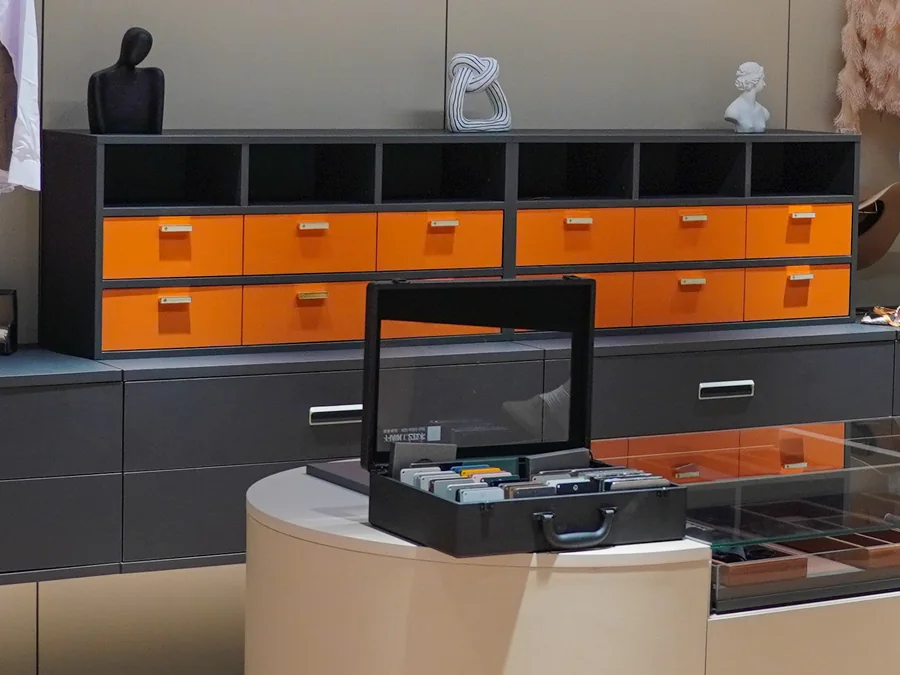
Showroom orange drawer fronts with small metal pulls above dark drawers with bar pulls
Pulls on Drawer Fronts

Cabinet Hardware Fit

For replacement pulls, measure center to center between the existing holes. Check each hinge against its door and overlay, and each drawer slide against the drawer length and load, with the cabinet maker.

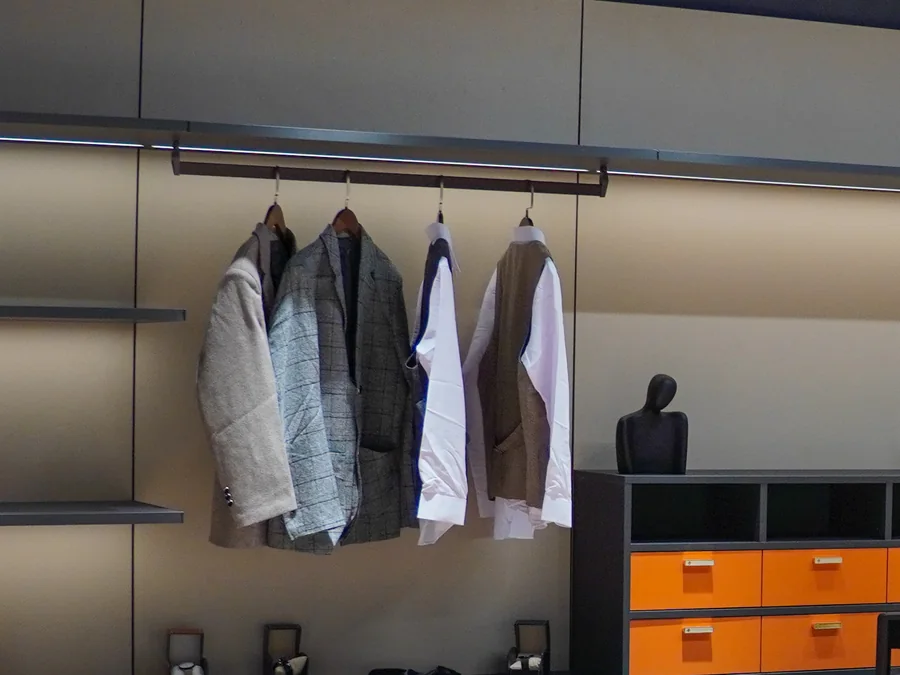
Showroom wardrobe wall with jackets and shirts on a high hanging rail above orange drawers
Hanging Rail in a Wardrobe Wall

Pull-Out Storage & Closet Lifts

Pull-out baskets and pull-down closet rods are sized to the cabinet's inside width, depth and height. Check the clearance to doors, hinges and lighting, and the load each fitting carries, before the cabinet is drawn.

If a door or fitting has exterior, wet-area, fire-rated or accessibility requirements, list them in the brief and ask for documents that cover the exact product.

One Product Number

Hardware, From 3D View to Hardware Schedule

Each handle, pull and fitting in the 3D view gets a drawing reference, such as H-01 for a bedroom door set, tied to one product number. That number follows it onto the schedule and the checked quote, so a change in finish, function or quantity is easy to trace.

Illustrative elevation with tagged hardware locationsH-01 marks the lever handle on a door at the left. H-02 marks the two pulls on a low cabinet. H-03 marks the hinges on the door edge. No dimensions are specified.H-01H-02H-03
Illustrative Hardware Elevation · not to scale
RefLocationChecked Before Ordering
H-01DoorHandle, lock function, hinges and door preparation
H-02CabinetPull size, hole spacing and front thickness
H-03Door hingesHinge type, size, quantity per leaf and finish
Reading the Elevation
H-01
Each tag matches one line of the schedule.
Gold lines mark the visible hardware.
UNIT
Each line states piece, pair or set.
SIZES
Final sizes come from site measurements, not from the rendering.
Illustrative Hardware Schedule
Door Schedule
Every door has a size, swing and function listed.
View Against Schedule
Every handle and pull in the 3D view has a matching schedule line.
Hardware Placement
Pull positions and hole centers are marked on each cabinet front.
Unit of Supply
Each line states piece, pair or set, with fixings noted.
Spares
Spare items are listed on their own lines.
Finish and Color
Approved against a physical sample, not a screen.

Door sizes, wall backing and cabinet dimensions are verified by you or your installer before the drawings are approved. Any required brand, model or rating goes in the brief with its supporting documents.

Already have a hardware schedule? Send it with the current door schedule and cabinet elevations, and we price each line by product number.
Send Project Brief
Before It Ships

Checked, Labeled and Packed Door by Door

Each box carries the H number from the hardware schedule, so your installer can match each set to its door or cabinet.

  1. Illustrative lever handle checked under a magnifier
    01InspectionEach item is checked before packing.
  2. Example H-01 product-number label on a hardware boxH-01BEDROOM DOOR
    02Product-Number LabelsEvery box shows the H number and location from the schedule.
  3. Illustrative hardware boxes strapped on a wood pallet
    03Export PackingPacked and strapped for overseas freight.
  4. Illustrative door elevation drawing beside a video player
    04Installation DocumentsDocuments and video ship with the order for your local installer.

A local installer fits the hardware. Freight, documents and receiving are planned through our packing and delivery service.

Who This Is For

Hardware for Homeowners and Project Teams

Each project type needs a different brief. The lists below set out what to send for each one.

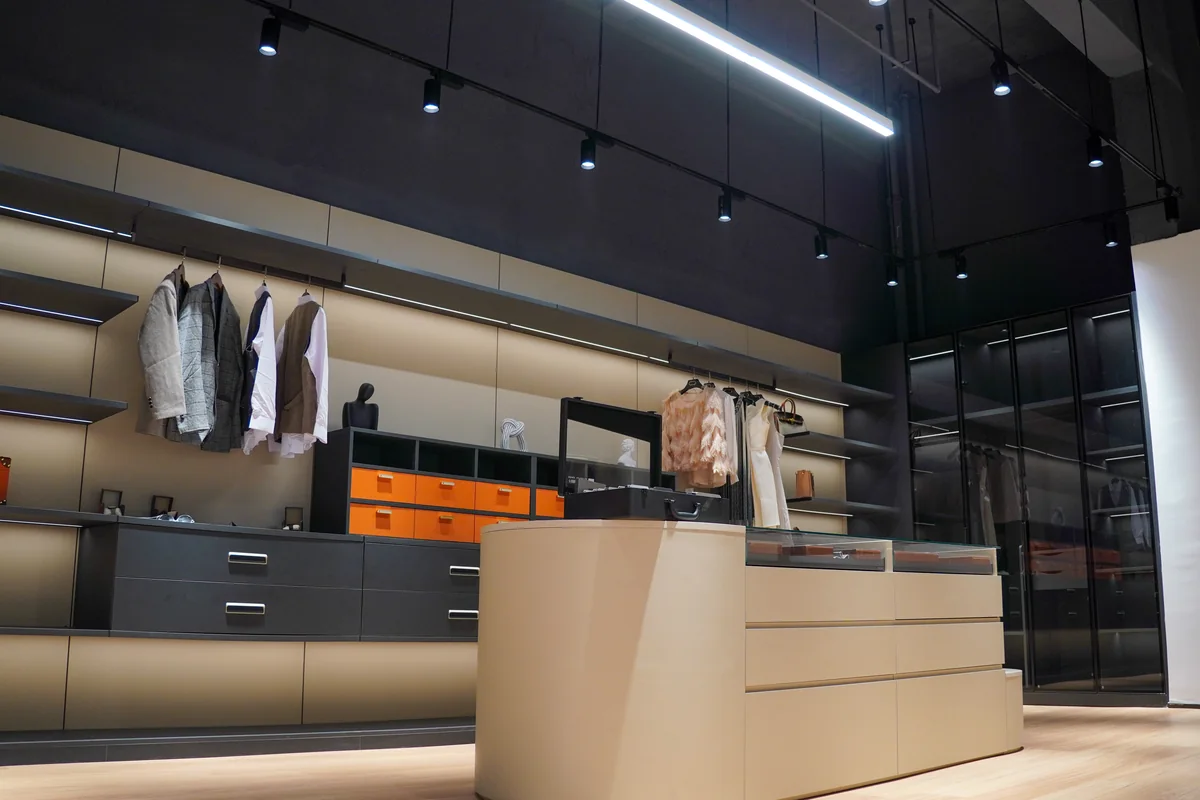
Showroom dressing room with hanging rails, lit shelves, orange drawers and a central island with drawers
Showroom · Dressing Room with Drawers and Rails
01

For Your Home

Bring the door and cabinet finishes into one plan, and tell us which pieces you want to keep and which rooms need new hardware.

  • Door and cabinet hardware from one supplier
  • Photos and sizes of hardware you want to match
  • One finish family through the house, from levers to cabinet pulls
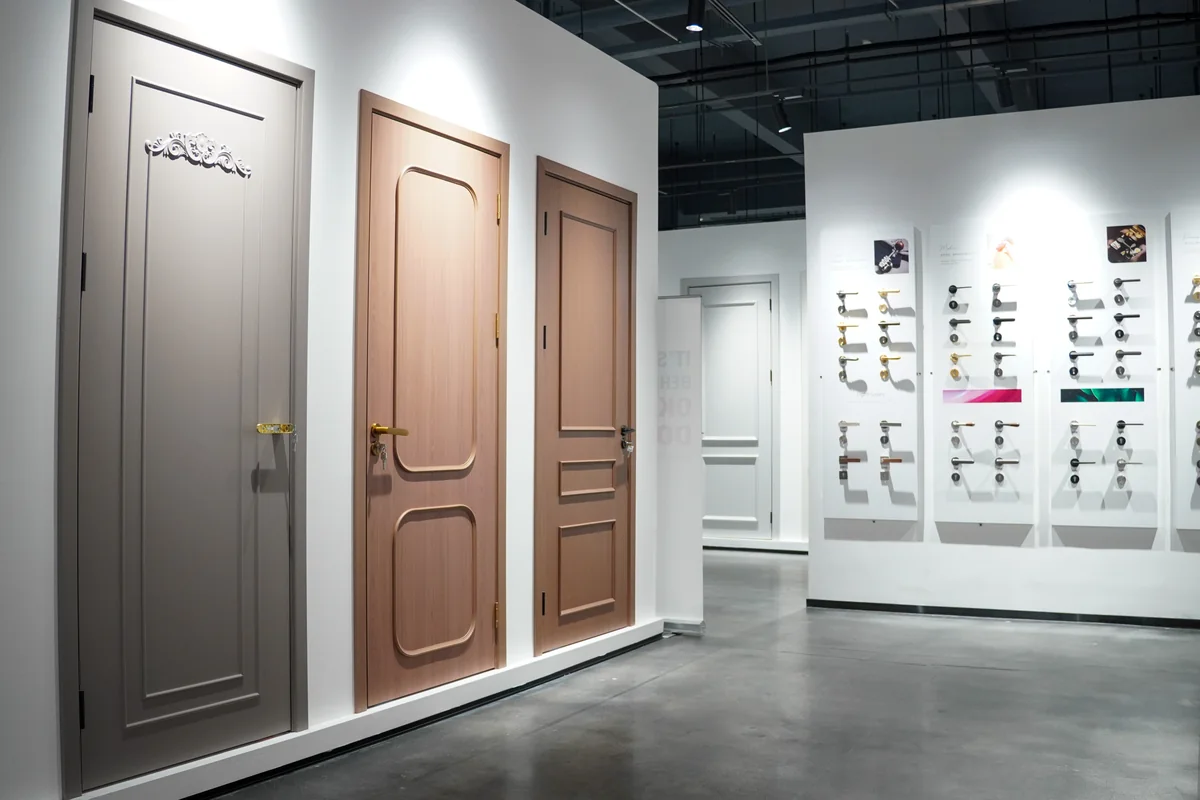
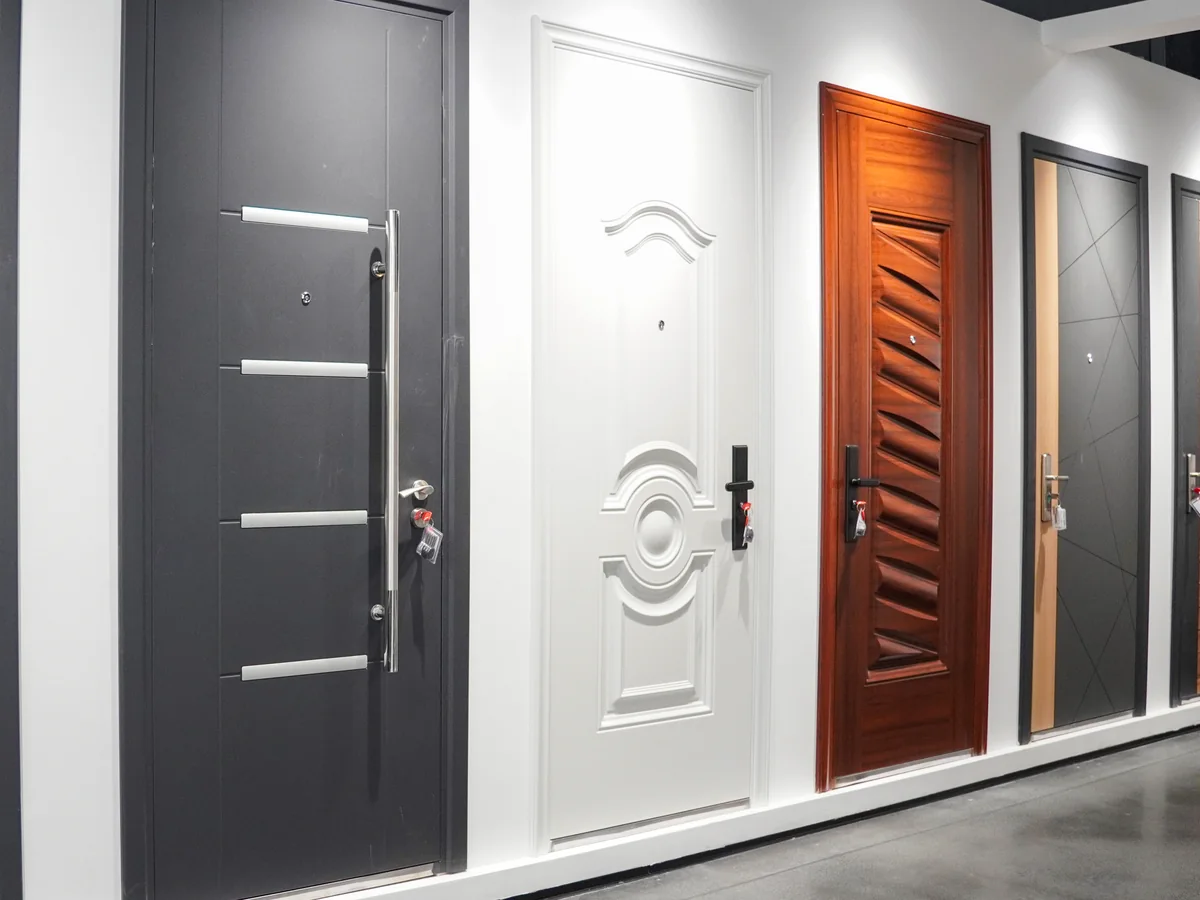
Showroom row of gray and wood paneled doors fitted with brass and chrome lever handles
Showroom · Paneled Doors with Lever Handles
02

For Project Teams

If your project already has a designer, architect or builder, we don't take over the design or contact your client around you. We price and supply the hardware on their schedule and send any alternative back to them first. Your client relationship stays yours.

  • Counts by door, cabinet and repeated room type, with spares listed separately
  • Commercial door hardware for hotels and multi-unit builds, with each box labeled by product number
Fitting out hotel rooms or repeat units? Send one hardware schedule per room type and list the exceptions for one quote.
Send All Room Plans
Start With Your Doors and Cabinets

Send Your Hardware Plans

List the doors and cabinets that need hardware, then attach a door schedule, cabinet elevations or your designer's hardware schedule. We reply with the next step: 3D design first, or a checked quote straight from your drawings.

  • Door schedules and cabinet elevations
  • Hardware types, counts and repeated rooms
  • Finish references and existing pieces to match
  • Project location, budget range and timing

Optional: one PDF, JPG, PNG, WEBP, DOC or DOCX file, maximum 10 MB.

    By submitting, you agree to our Privacy Policy and Terms.

    Hardware Questions

    Before You Send the Hardware Plans

    Have a question about a finish, a fitting or a delivery country? Ask the team directly.

    Can You Supply Hardware From My Designer's Schedule?

    Yes. Each line on the hardware schedule is matched to a product number and priced in a checked quote. Your designer keeps control of the design, so questions about finishes or functions go back to them first.

    Do You Install the Hardware?

    No. Installation documents and video support ship with the order, and a local installer fits the hardware. Lock work and any work on fire-rated doors stay with qualified local trades.

    How Do I Measure Cabinet Pulls?

    Measure center to center, the distance between the centers of the two screw holes, not the overall length of the pull. For new cabinets, the pull length and position are set on the elevation against each door and drawer front.

    How Much Does Door and Cabinet Hardware Cost?

    It depends on the number of doors and cabinets, the product types and finishes, and the unit on each line. Check whether a line is priced per piece, pair or set, and whether fixings are included, before you add up quantities. After the drawings are approved, each item is priced by product number in a checked quote.

    How Long Does the First Draft Take?

    Usually about 20 days, depending on how many doors, cabinets and rooms are involved and how complete your files are. Fees and the start date are confirmed when the scope is agreed.

    Send Project Brief